
Time & Capacity · May 12, 2026 · Makeda Boehm’s Blog Agent
Why Your AI Assistant Still Can't Get Things Done (And What Actually Fixes It)
Most service business owners use AI to answer questions, not take action. Here's what AI that takes action actually means and how to build it without code.
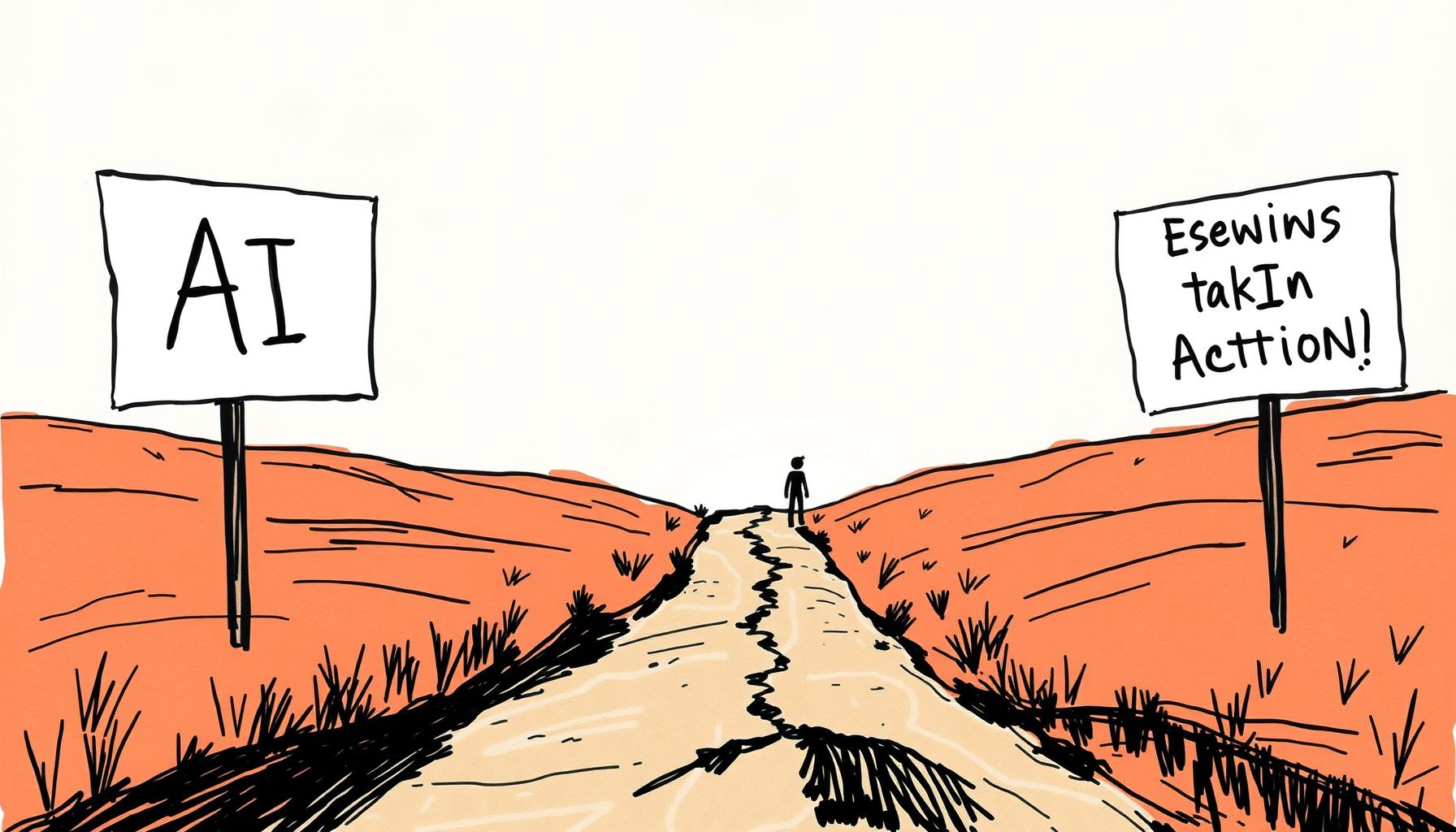
You've been using AI for a while now. You ask it questions, it gives you answers. You paste in a draft, it cleans it up. You describe a problem, it suggests solutions. And yet, somehow, you're still doing most of the actual work yourself. That's not a you problem. That's the gap between AI that answers and AI that takes action, and most service business owners have never crossed it.
This article is about that gap. What causes it, why it matters, and what you can actually do about it starting this week.
The Way Most People Use AI Is Costing Them Hours Every Week
Think about the last time you used an AI tool. You probably typed something in, read the output, then went and did the thing yourself. Copy, paste, edit, send. That workflow is better than nothing, but it's not transformation. It's autocomplete with extra steps.
The average service business owner who uses AI as a question-answering tool saves maybe 30 to 45 minutes a day. That's real, but it's not the number people were promised. The owners who've restructured around AI that takes action, meaning AI that actually executes tasks inside their real systems, are reporting 2 to 4 hours saved per day. That's not a rounding error. That's a part-time employee.
The difference isn't which AI model you're using. It's whether your AI is answering or doing.
What "AI That Takes Action" Actually Means
When most people hear "AI agent" or "agentic AI," they picture something from a sci-fi film. That's not what we're talking about. AI that takes action means an AI system that can interact with tools, files, browsers, and APIs to complete a task from start to finish, without you doing the middle steps.
Here's a simple example. You ask a standard AI chatbot: "Draft a follow-up email for my client who missed their onboarding call." It writes the email. You copy it. You open your email client. You find the client. You paste it. You send it.
Now here's the same task with an action-capable AI: You tell your agent the client missed the call. The agent pulls the client's name and email from your CRM, drafts the follow-up, and sends it. Or queues it for your approval with one click. You touched the task once instead of six times.
That's the shift. Not smarter answers. Fewer handoffs.
Why This Gap Exists: The Architecture Problem
Most AI tools you've used, including the big consumer chatbots, are built around a single interaction model. You send a message. The model generates a response. Done. The model doesn't have memory of what happened before, can't reach into your calendar, can't send an email, can't update a spreadsheet. It's isolated by design.
This isn't because the underlying technology can't do those things. It's because building those connections requires infrastructure, permissions, and integrations that most consumer tools don't include out of the box.
The reason this is changing fast in 2026 is that the major AI labs have spent the last 18 months building exactly that infrastructure. OpenAI's work on computer use inside Codex, which lets AI models interact with a computer interface the way a human would, is one of the clearest signals of where this is heading. The model doesn't just read a screen. It clicks, types, navigates, and completes tasks across software it's never been specifically trained on.
That capability is now filtering down into tools that don't require a PhD to configure.
The Three Levels of AI Use (And Where You Probably Are)
It helps to have a clear map. Most service business owners sit at Level 1. Getting to Level 3 is where the real leverage is.
Level 1: AI as a Search Engine
You ask questions. You get answers. You do the work. This is ChatGPT for drafting emails, Claude for summarizing documents, any chatbot for brainstorming. Useful. Limited. You're still the executor.
Level 2: AI as a Writing and Thinking Partner
You've built some prompts you reuse. Maybe you have a custom GPT or a saved workflow. The AI helps you think faster and write better, but it still can't touch your actual systems. You're saving time on cognitive work, but operational work is still fully manual.
Level 3: AI as a Task Executor
Your AI can access your tools. It can read and write to your systems. It can take a trigger, like a new lead coming in, and complete a multi-step process without you touching it. This is where the 2 to 4 hours per day savings live. This is AI that takes action.
Most people reading this are at Level 1 or early Level 2. That's fine. But knowing the map means you can move deliberately instead of just adding more AI tools that don't connect to anything.
What's Actually Blocking You From Level 3
It's not technical skill. That's the excuse, but it's not the real blocker. Here's what actually keeps service business owners stuck at Level 1:
1. You Haven't Mapped Your Repetitive Tasks
You can't automate what you haven't named. Most business owners have 8 to 15 tasks they do every week that follow the same pattern every time. Client onboarding steps. Proposal creation. Follow-up sequences. Invoice reminders. Content repurposing. These are the tasks that AI can take over, but only if you've identified them clearly enough to describe them to a system.
Spend 20 minutes writing down every task you did last week that felt like you'd done it before. That list is your automation roadmap.
2. You're Using Disconnected Tools
A chatbot that doesn't connect to your CRM can't update your CRM. An AI that can't access your email can't send emails. The power of action-capable AI comes from integration, meaning your AI needs to be able to reach into the tools you actually use.
This is where platforms like MindStudio become genuinely useful. It's a no-code agent builder that lets you connect AI reasoning to real tools and workflows without writing code. You define what the agent should do, what tools it can access, and what the trigger is. Then it runs. That's the architecture that makes Level 3 possible for people who aren't developers.
3. You're Waiting for One Tool to Do Everything
There's no single AI tool that handles everything perfectly. The owners getting the most leverage are building small, focused agents that each do one job well. One agent handles new lead intake. One handles content drafting. One handles client check-ins. Each one is simple. Together, they're powerful.
Don't wait for the perfect all-in-one solution. Build one working agent this month and see what it changes.
Real Examples of AI Taking Action in Service Businesses
Abstract concepts only go so far. Here's what this actually looks like in practice for service business owners in 2026.
The Consultant Who Automated Client Onboarding
A business consultant in Toronto was spending 3 hours per new client on onboarding tasks. Sending welcome emails, creating folders, scheduling kickoff calls, sending intake forms. All manual, all repetitive. She built a simple agent that triggers when a new client signs a contract. It creates the project folder, sends the welcome email with the intake form link, and books the kickoff call based on her calendar availability. The whole sequence now takes 4 minutes of her time instead of 3 hours. Per client. Every client.
The Coach Who Stopped Losing Leads
A life coach in Lagos was getting leads from her website but following up inconsistently. Sometimes within an hour, sometimes two days later. Conversion was suffering. She set up an agent that detects a new form submission, pulls the lead's information, drafts a personalized first response using their answers, and sends it within 5 minutes. Her lead-to-call conversion rate went up 40% in the first month. The only thing that changed was response time and consistency.
The Agency Owner Who Reclaimed Her Mornings
A social media agency owner in Manila was spending her first 90 minutes every day on status updates, client reports, and scheduling. She built a morning briefing agent that pulls data from her project management tool, summarizes overnight client activity, flags anything needing attention, and drafts her daily priority list. She reviews it in 15 minutes instead of 90. That's 75 minutes back, every single morning, five days a week.
The Role of Large Language Models in Making This Work
Action-capable AI still needs a brain. The "thinking" part of your agent, the part that reads context, makes decisions, and generates outputs, is powered by a large language model. Which model you use matters for quality and reliability.
Claude, built by Anthropic, has become a strong choice for agents that need to handle nuanced instructions, long documents, or complex reasoning chains. It's particularly good at following multi-step instructions without drifting, which matters a lot when your agent is executing a sequence of tasks rather than just answering a question. For agents where accuracy and instruction-following are critical, it's worth testing Claude as the reasoning layer.
The model isn't the whole story, though. A great model inside a poorly designed workflow still underperforms. The architecture around the model, the tools it can access, the triggers that activate it, the guardrails you set, matters just as much as which model you choose.
How to Actually Start Building AI That Takes Action
Here's a practical path forward. This isn't a 6-month transformation project. You can have a working agent in a week if you start with the right scope.
Step 1: Pick One Task That Happens at Least Weekly
Don't start with your most complex workflow. Start with something that happens regularly, follows a consistent pattern, and currently takes you 30 minutes or more. New client welcome sequences, lead follow-up emails, and weekly report generation are all good starting points.
Step 2: Write Out Every Step You Currently Do Manually
Be specific. "Send welcome email" isn't enough. Write: "Open Gmail. Create new email. Address it to the client's email from the contract. Subject line: Welcome to [Program Name]. Body: [paste template]. Attach the onboarding guide PDF. Send." That level of detail is what lets you translate the task into an agent workflow.
Step 3: Identify Which Steps Require Which Tools
Go through your step list and note which tool each step happens in. Gmail, Google Drive, Calendly, your CRM, Notion, whatever you use. Your agent needs access to those tools. Most no-code agent builders support the common ones through direct integrations or through tools like Zapier and Make as connectors.
Step 4: Build the Agent in a No-Code Environment
This is where a platform like MindStudio earns its place. You're not writing code. You're defining logic: "When X happens, do Y, then Z, then send this output." The platform handles the technical execution. You handle the business logic, which you already know because you've been doing this task manually for months or years.
Step 5: Test It on Low-Stakes Inputs First
Run the agent on test data before it touches real clients. Check every output. Adjust the prompts and logic where the output isn't right. Most agents need 3 to 5 rounds of refinement before they're reliable enough to run unsupervised. That's normal. Don't skip this step.
The Mindset Shift That Makes All of This Work
There's a deeper change required here that goes beyond tools and workflows. The shift from AI as a tool you use to AI as a system that works for you requires you to think like an operator, not just a user.
Users consume outputs. Operators design systems. When you're designing an agent, you're not asking "what can AI do?" You're asking "what does my business need to happen, and how do I build a system that makes it happen reliably?"
This is the core of what we teach at Seed & Society, and it's what separates the business owners who are genuinely saving 10 to 15 hours a week from those who are still copying and pasting AI outputs into their email drafts.
The Connector Method is built around this exact idea: that the most valuable thing you can do with AI isn't use it more, it's connect it better. Connect it to your systems. Connect it to your workflows. Connect it to the outcomes your business actually needs.
What About the Risks? Let's Be Direct.
Action-capable AI introduces real risks that passive AI doesn't. When your AI is just answering questions, the worst it can do is give you a bad answer. When it's taking action, it can send the wrong email, update the wrong record, or trigger a workflow at the wrong time.
Here's how to manage that without letting it stop you:
- Start with approval gates. For any agent that sends external communications, build in a human review step until you've confirmed it's reliable. One click to approve is still 90% less work than drafting from scratch.
- Use test environments. Most CRMs and project tools have sandbox or test modes. Build and test your agents there before pointing them at live client data.
- Log everything. Make sure your agent records what it did and when. If something goes wrong, you need to be able to trace it.
- Limit scope deliberately. An agent that can only write to one folder and send to one email list can't cause widespread damage. Expand permissions gradually as trust is established.
The goal isn't to eliminate human judgment. It's to eliminate human effort on tasks that don't require judgment. Those are different things.
You can find a full breakdown of the tools mentioned here and hundreds more at the Ultimate AI, Agents, Automations & Systems List.
Where This Is All Heading in 2026 and Beyond
The capabilities that OpenAI demonstrated with computer use in Codex, where an AI model can navigate a real computer interface, click through software, and complete tasks the way a human would, are becoming more accessible every quarter. What required a technical team to implement in 2024 is becoming configurable through no-code interfaces in 2026.
This means the window for getting ahead of this curve is still open, but it won't be for long. The service business owners who build action-capable AI systems now will have a structural advantage over those who are still treating AI like a search engine in 18 months.
The question isn't whether AI will handle more of your operational work. It's whether you'll be the one who designed the system, or the one who got left behind while someone else did.
Start with one task. Build one agent. See what it changes. Then build the next one.
Frequently Asked Questions
What is AI that takes action, and how is it different from a regular chatbot?
AI that takes action, also called agentic AI, can interact with external tools, systems, and data to complete tasks from start to finish. A regular chatbot generates text responses but can't access your CRM, send emails, or update files. Action-capable AI connects to your actual business tools and executes multi-step workflows without requiring you to do the middle steps manually.
Do I need to know how to code to build an AI agent for my business?
No. No-code platforms like MindStudio allow service business owners to build functional AI agents through visual interfaces without writing code. You define the logic, the tools the agent can access, and the triggers that activate it. The platform handles the technical execution. Basic familiarity with your existing business tools is more important than any coding knowledge.
What kinds of tasks are best suited for AI agents in a service business?
Tasks that are repetitive, follow a consistent pattern, and happen at least weekly are ideal starting points. Common examples include client onboarding sequences, lead follow-up emails, weekly report generation, invoice reminders, and content scheduling. Tasks that require nuanced human judgment or relationship sensitivity should stay human-led, at least initially.
How long does it take to build a working AI agent?
A focused, single-task agent can be built and tested in 3 to 7 days for most service business owners using no-code tools. The most time-consuming part is usually mapping out your current manual process in detail before you start building. Plan for 3 to 5 rounds of testing and refinement before the agent is reliable enough to run unsupervised on real client data.
Is it safe to let an AI agent interact with my client data and business systems?
Yes, with the right safeguards in place. Start by limiting the agent's permissions to only what it needs for the specific task. Build in human approval steps for any external communications until you've confirmed reliability. Use test environments before pointing the agent at live data. Log all agent actions so you can audit what happened if something goes wrong. Expand the agent's scope gradually as trust is established through consistent performance.
Which AI model should I use as the reasoning layer for my agent?
The right model depends on the complexity of your tasks. For agents that need to follow multi-step instructions accurately, handle long documents, or make nuanced decisions, Claude from Anthropic is a strong choice in 2026. For simpler, more structured tasks, lighter models may perform just as well at lower cost. Most no-code agent builders let you swap models without rebuilding your workflow, so testing more than one is practical.
What's the difference between an AI workflow and an AI agent?
An AI workflow is a fixed sequence of steps that runs the same way every time, usually triggered by a specific event. An AI agent can make decisions within the workflow, choose between different paths based on context, and handle variation in inputs. For most service business tasks, a well-designed workflow is sufficient. True agents become valuable when tasks require conditional logic or when inputs vary significantly between instances.
Not sure where AI fits in your business yet? The AI Employee Report is an 11-question assessment that shows you exactly where you're leaving time and money on the table. Free. Takes five minutes.
Keep Reading
Get the next essay first.
Subscribe to the Seed & Society® newsletter. One email every Sunday, built around what is relevant in A.I. for service-based business owners, plus grant and speaking applications worth your time.
More from The Connectors Market™
Time & Capacity
Why Your AI Agents Keep Failing (And What to Fix First)
June 26, 2026
Time & Capacity
How to Hire an AI Employee to Write Your Blog Posts Faster
June 26, 2026
Time & Capacity
Why Your AI Isn't Telling You What It Needs (And How to Fix It)
June 26, 2026